Product update: January 2026

Summary
In case you missed the news, we recently announced a 6,4 M€ funding round. This will help us continue transforming the way professional services companies run their businesses.
That said, we've kicked off 2026 with new features and updates for billing, absence management, AI, and more. In a nutshell:
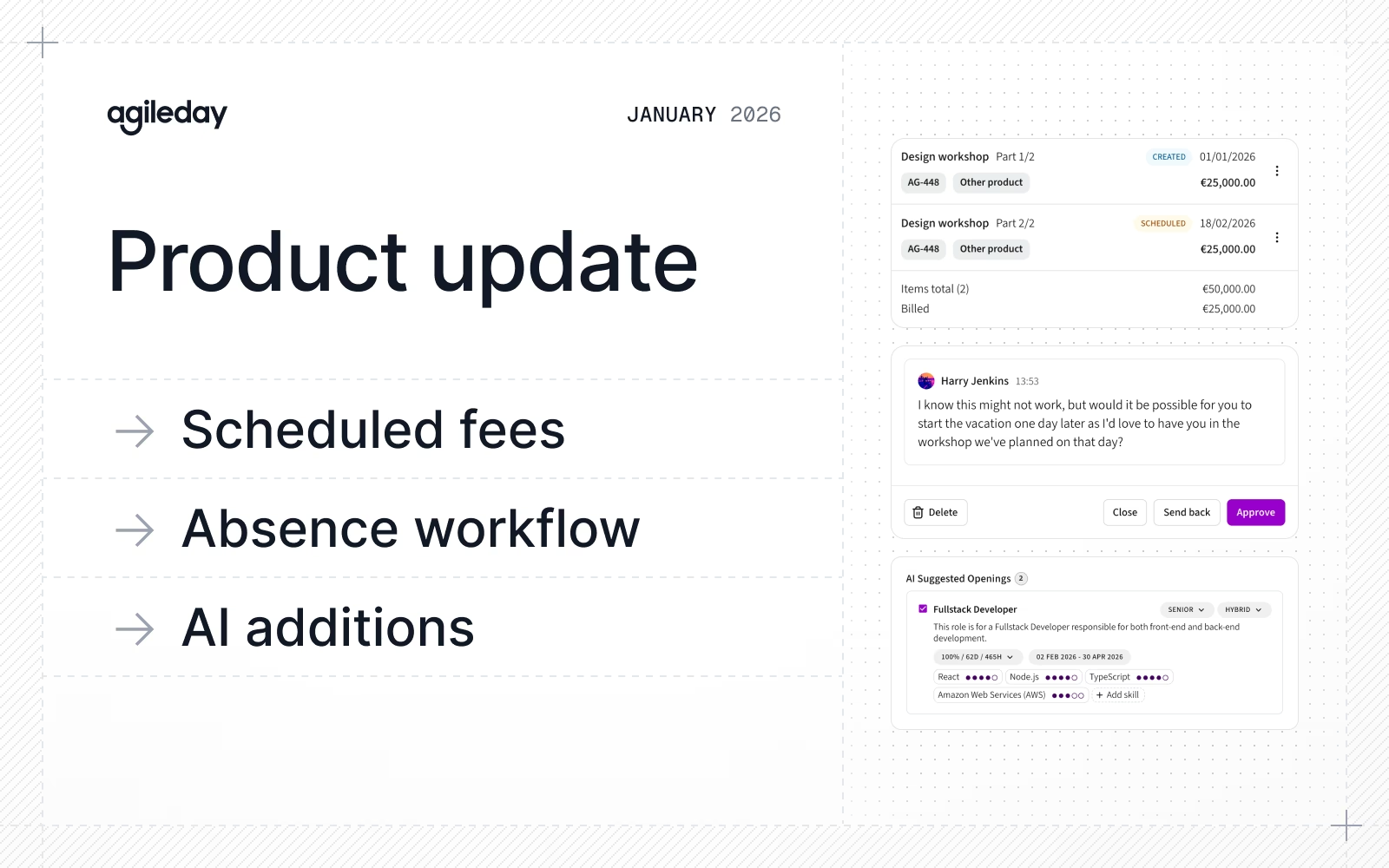
- Billing schedule: Add milestone-based payments and additional project fees, with full API support.
- Change requests for absences: Supervisors can now request changes to absence requests in addition to approving or rejecting them.
- AI additions: Smarter team recommendations in Team Blueprint and improved CV extraction accuracy for longer documents.
- Improvements and fixes: API documentation refresh at api.agileday.io, enhanced flex-hours admin view, various time reporting fixes, and more.
Let’s dive into the details.
Billing schedule
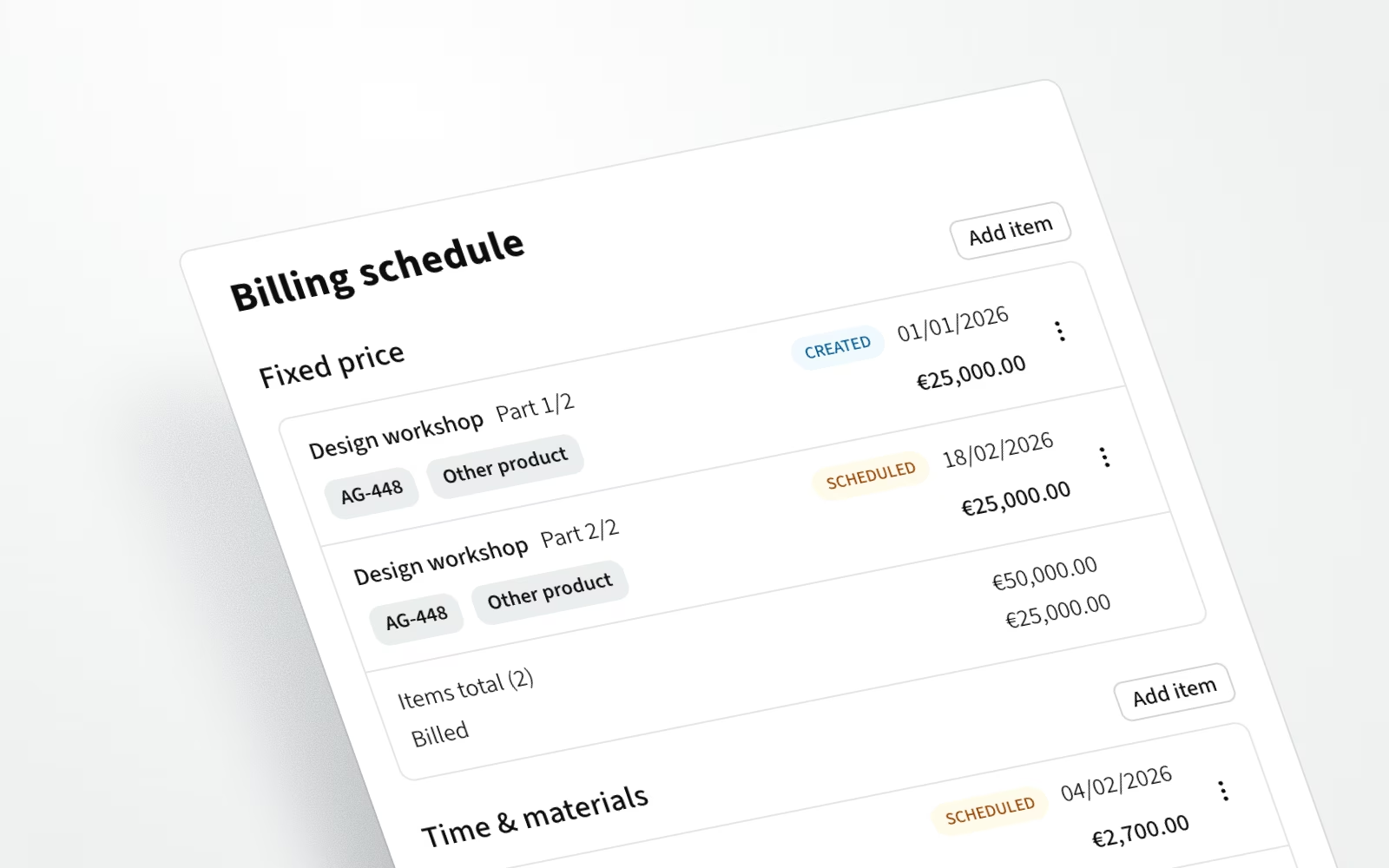
We've improved support for fixed price projects with the introduction of Scheduled fees. This new feature adds flexibility to both fixed price and time-and-materials (TM) projects.
Scheduled fees allow creating milestone-based payments for fixed price projects or adding fees, such as licenses and capacity charges, to TM projects. For fixed price projects, all milestone payments now define the planned revenue, giving you better visibility into project profitability from the start.
In addition, you can now create invoiceable items directly on a project, with each item including a specific date. When you create a new invoice, all uninvoiced items are automatically included, streamlining your billing process. And for those working with integrations, Scheduled fees can be fully managed via our API.
Change requests for absences

In addition to approving or rejecting absence requests, supervisors can now ask for changes, for example, to the requested dates or description. When changes are requested, users receive notifications through their preferred channel: in-app, email, or Slack. After making the necessary updates, users can resubmit their request for approval.
We've also added timestamps to all comments in the absence approval workflow, making it easier to track the history and progression of each request.
AI additions
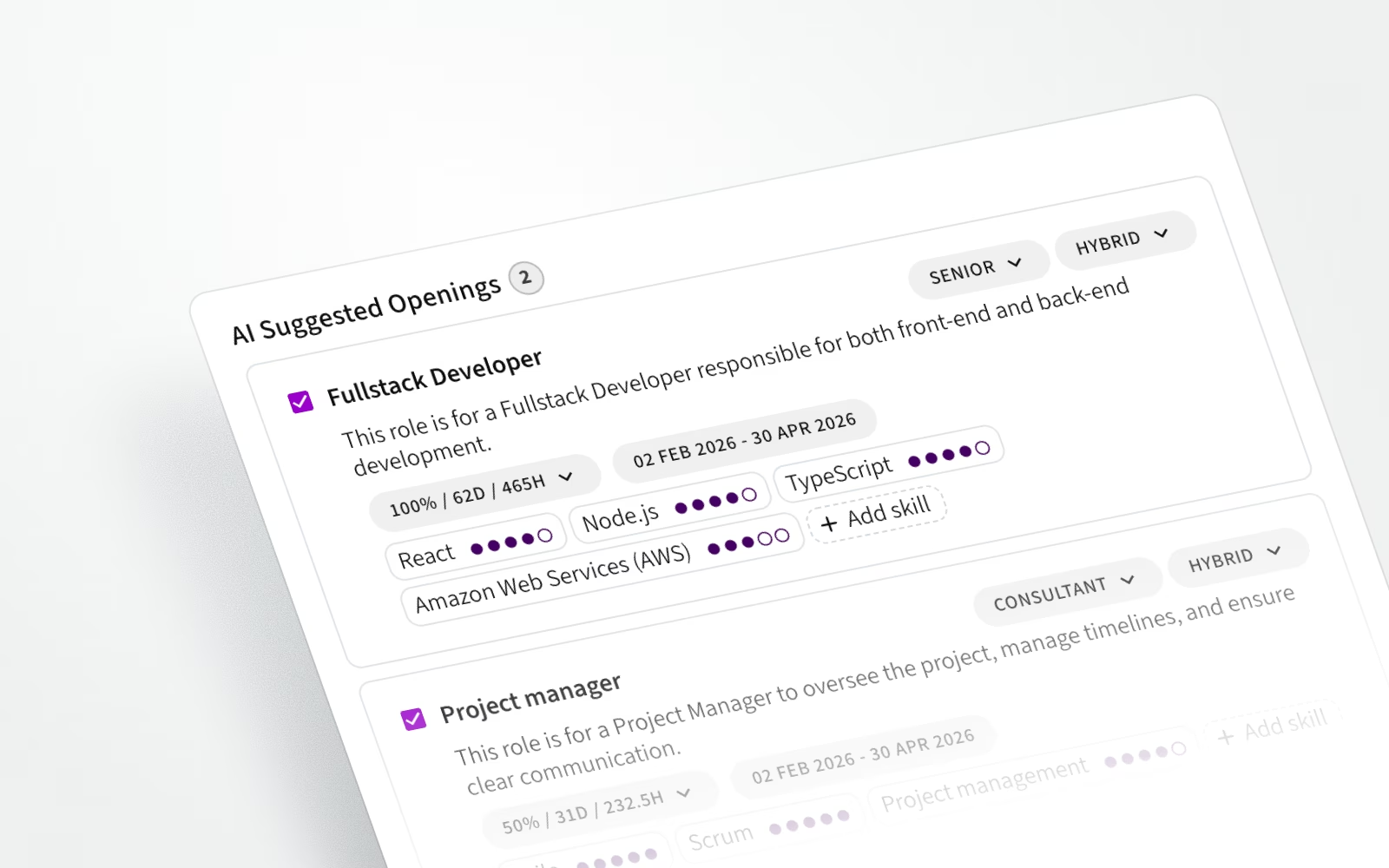
Our AI capabilities continue to evolve with meaningful improvements across multiple features.
The AI Team Blueprint sub-agent now delivers smarter team recommendations. It uses default pricing to better align team composition and allocations with your project's value, resulting in more logical and realistic recommendations, especially for complex opportunities and projects.
We've also enhanced the AI CV Scraper, improving its accuracy for longer CVs with refined extraction logic. You'll notice better accuracy across profiles, projects, and work history data.
Improvements and fixes
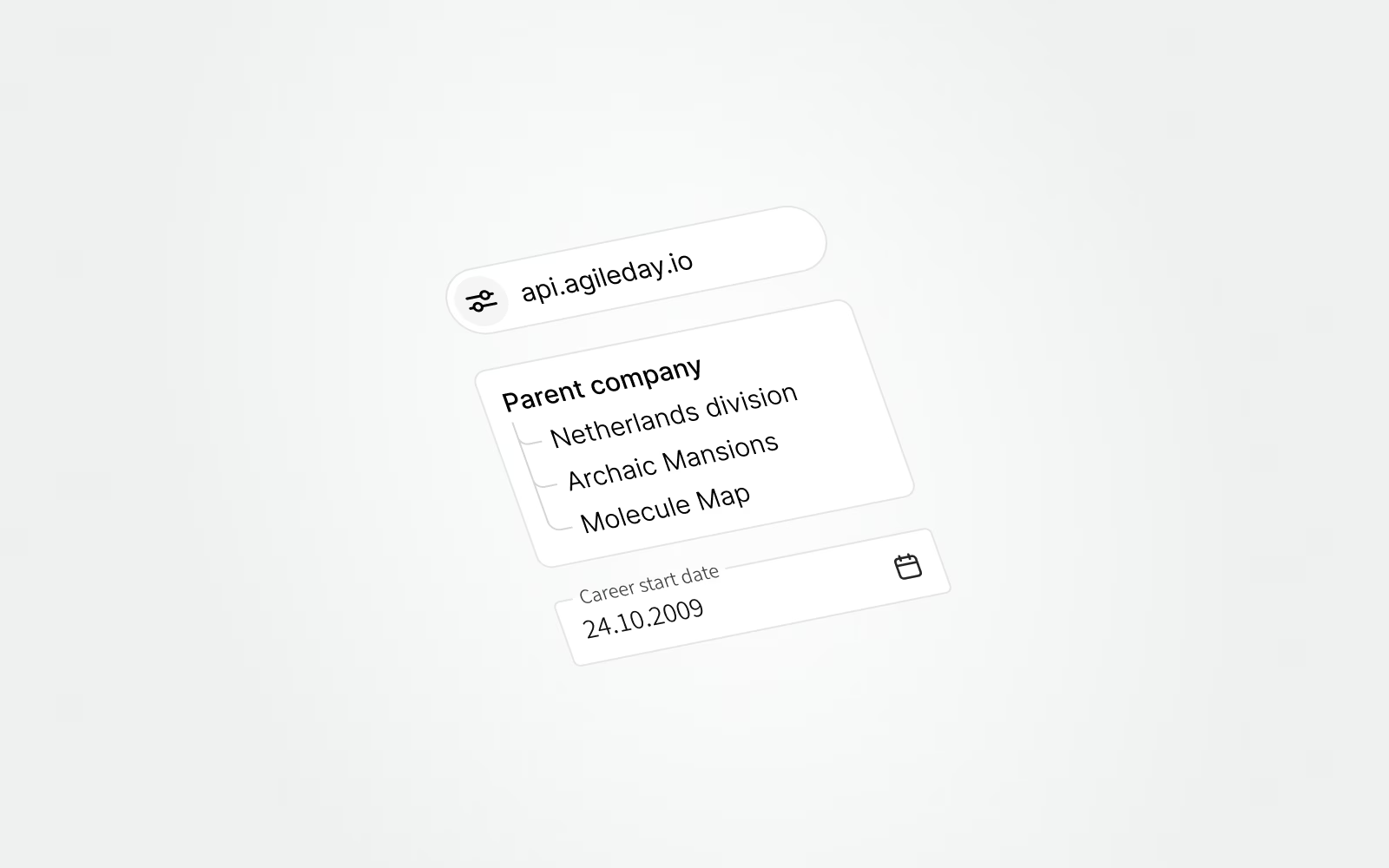
Here are some picks from the improvements beyond the major features:
- Our API documentation has been completely refreshed and is now available at api.agileday.io for easier access and improved clarity.
- You can now fetch data for Users, Customers, Projects, and Opportunities based on their creation or update dates.
- The Company parent structure is now exposed via API.
- There’s a new field for users: Career start date. It can be set in the Biography section of a user’s profile under the CV tab. The career start date can also be utilized in CVs.
- The Project and Opportunity APIs have been extended to support read and write access to Project Settings, including commercial model, price list, and billing settings.
- The flex-hours admin view in Settings has been enhanced for better visibility and accuracy. Admin users can now select a specific date to view flex-hour balances. For example, it’s now easy to check year-end balances.
- Settings now have better filters and search.
- Closed absence projects are no longer available in time reporting.
- The error message for trying to delete an absence with reported hours was improved.
- An issue was fixed that prevented Staffing Admins from adding team members to unpublished Opportunities.
- A bug was fixed in the CV Editor where the save button wouldn't activate when adding a skill to a project.
That's it for January, see you again next month. Until then, let us know if you have any questions.