Product update: December 2025

Santa’s bag was abundant in surprises.
Summary
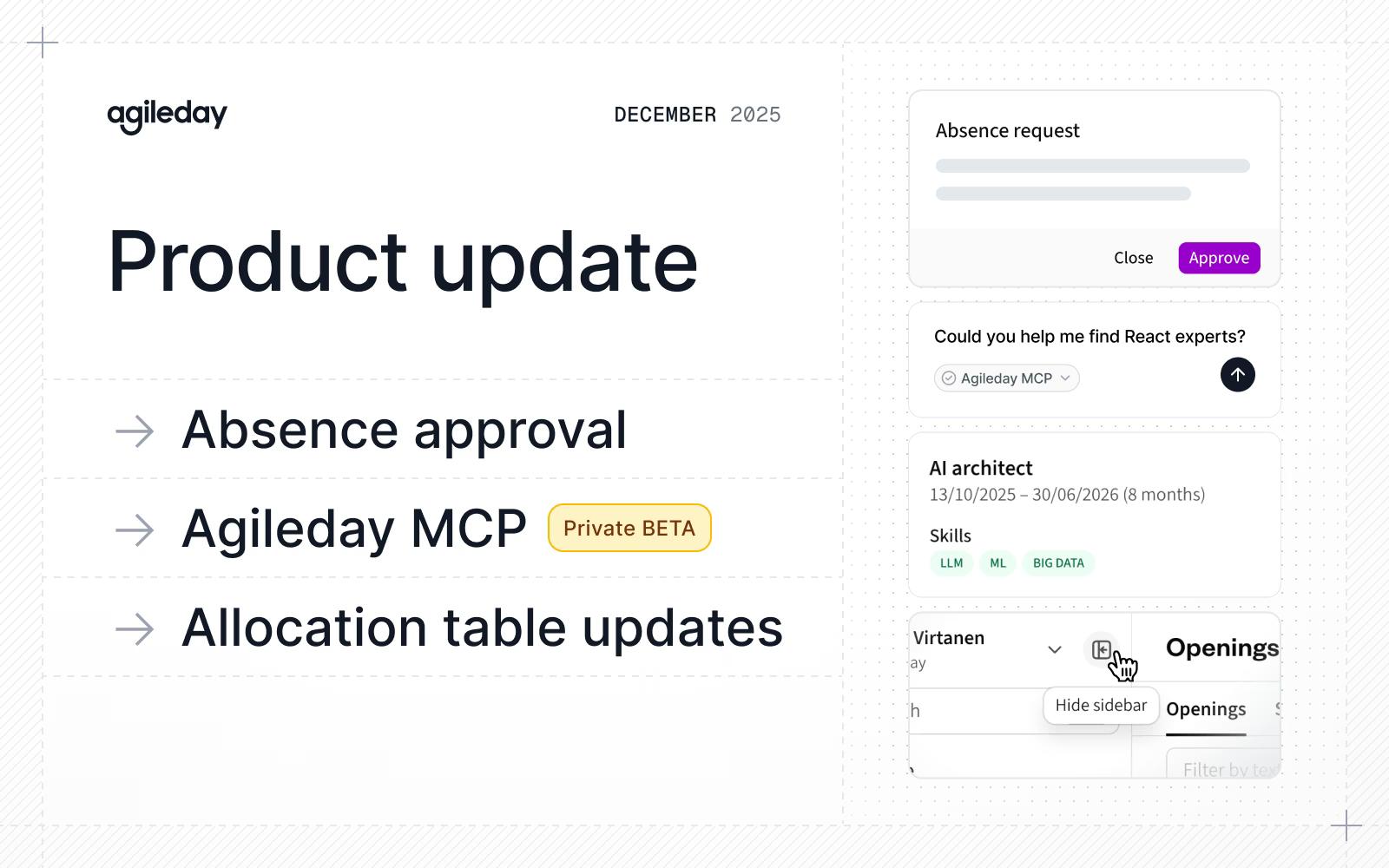
While the year drew to an end, we were happily shipping tasty updates:
- Absence approval: Enable supervisors to view and approve absence requests.
- Agileday MCP: Interact with your Agileday data with an AI tool of your choice.
- Allocation table improvements: Select a date range and preview data.
- Improvements and fixes: Collapsible sidebar, billing improvements, and more.
Let’s dive in.
Absence approval
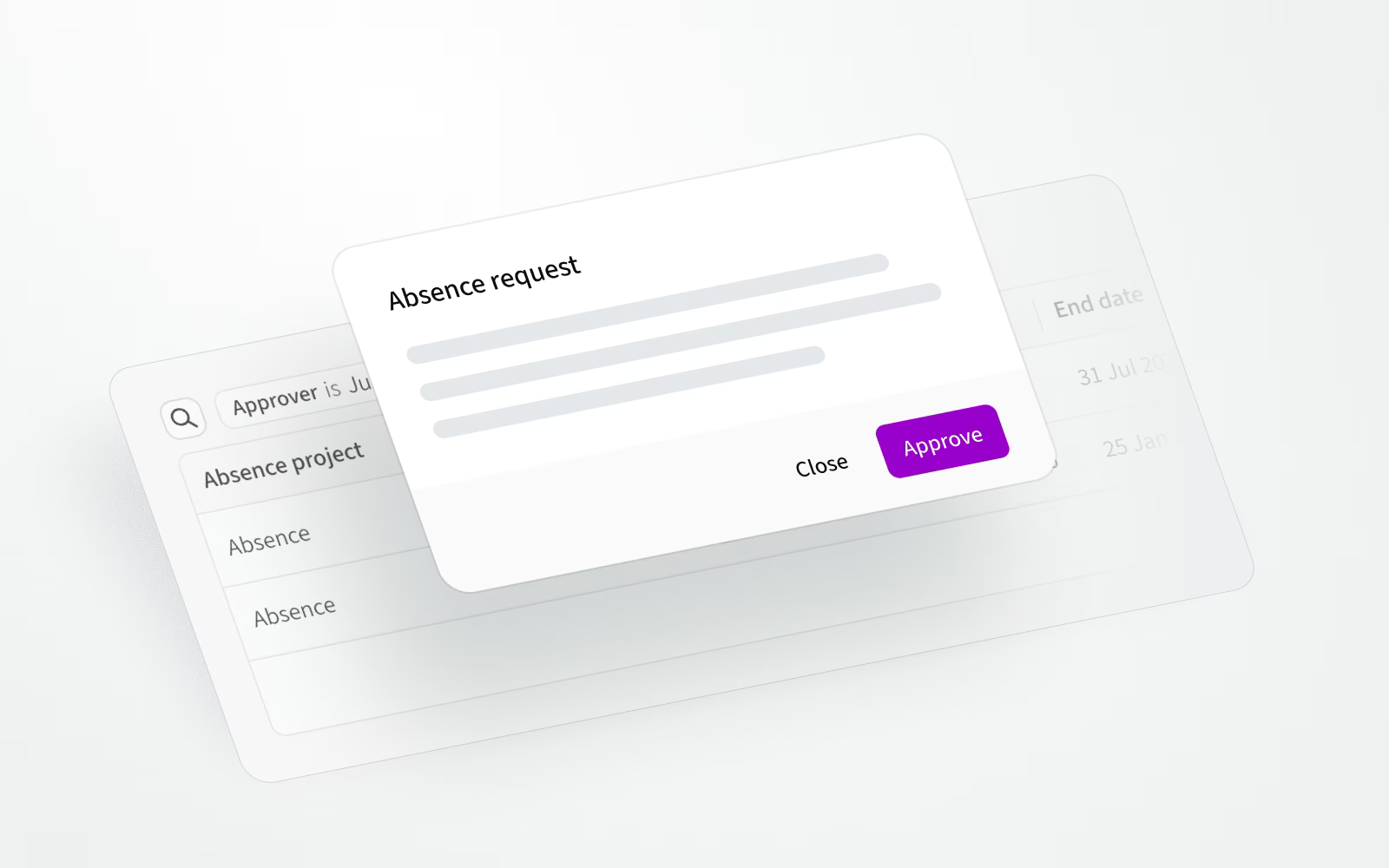
You can now enable an absence approval workflow at the organization level to add structure to how absences are managed. When an employee submits an absence request, their supervisor is notified and can approve it. Admins and HR admins can also approve any request, and the requester is notified once it’s approved.
You can also continue using the existing model where users create absences without the new approval step.
Agileday MCP
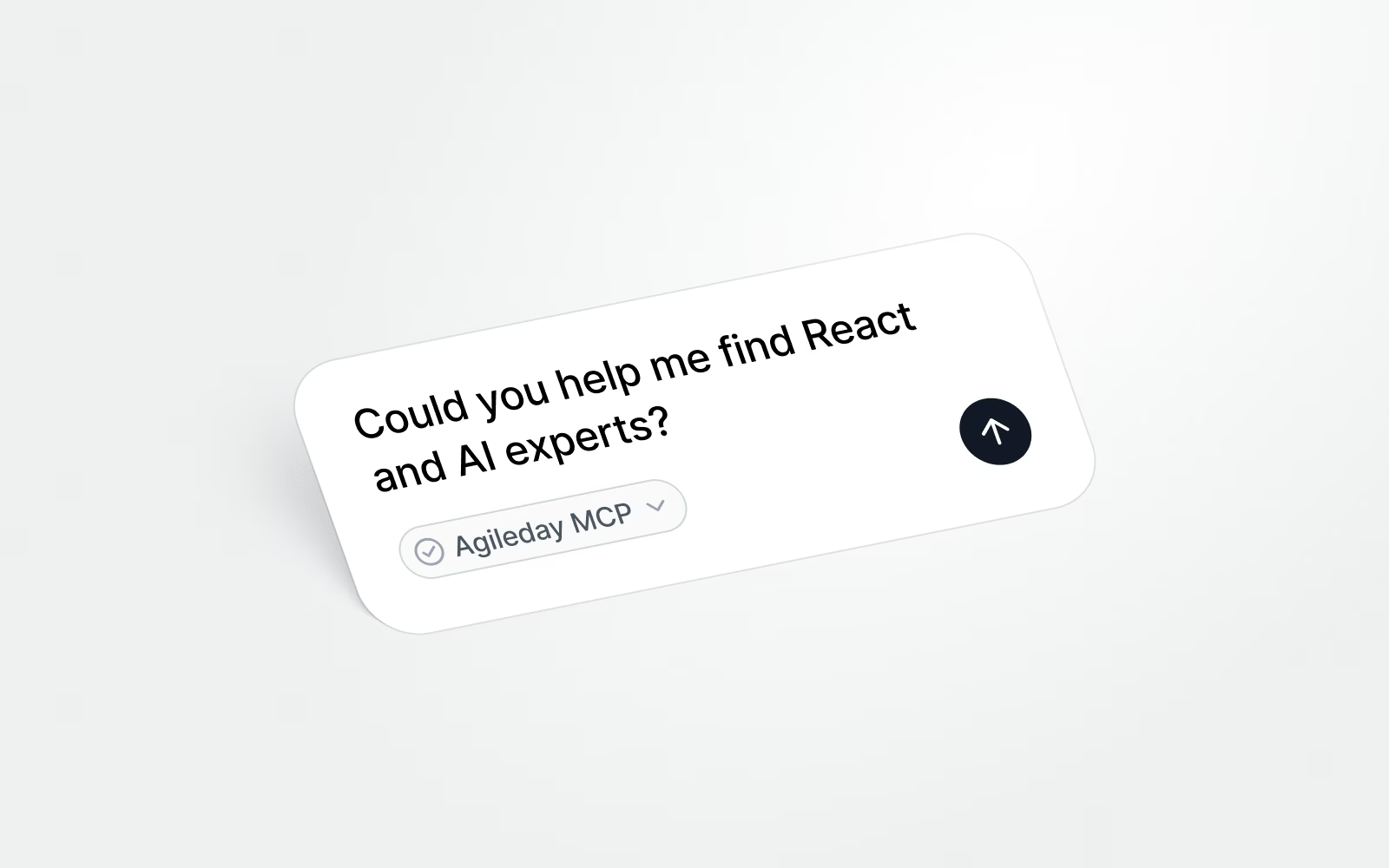
We’re happy to announce that Agileday MCP (Model Context Protocol) has entered private beta. Our MCP server allows you to use external AI clients to query and act on your Agileday data and built‑in AI Agents.
For example, you can search for a suitable project for a person in a given month, summarize current projects, identify potential gaps in upcoming projects, fill out your timesheets, analyze your employees’ skills, and more.
Agileday MCP is currently in closed private beta. Stay tuned for updates.
Allocation table updates
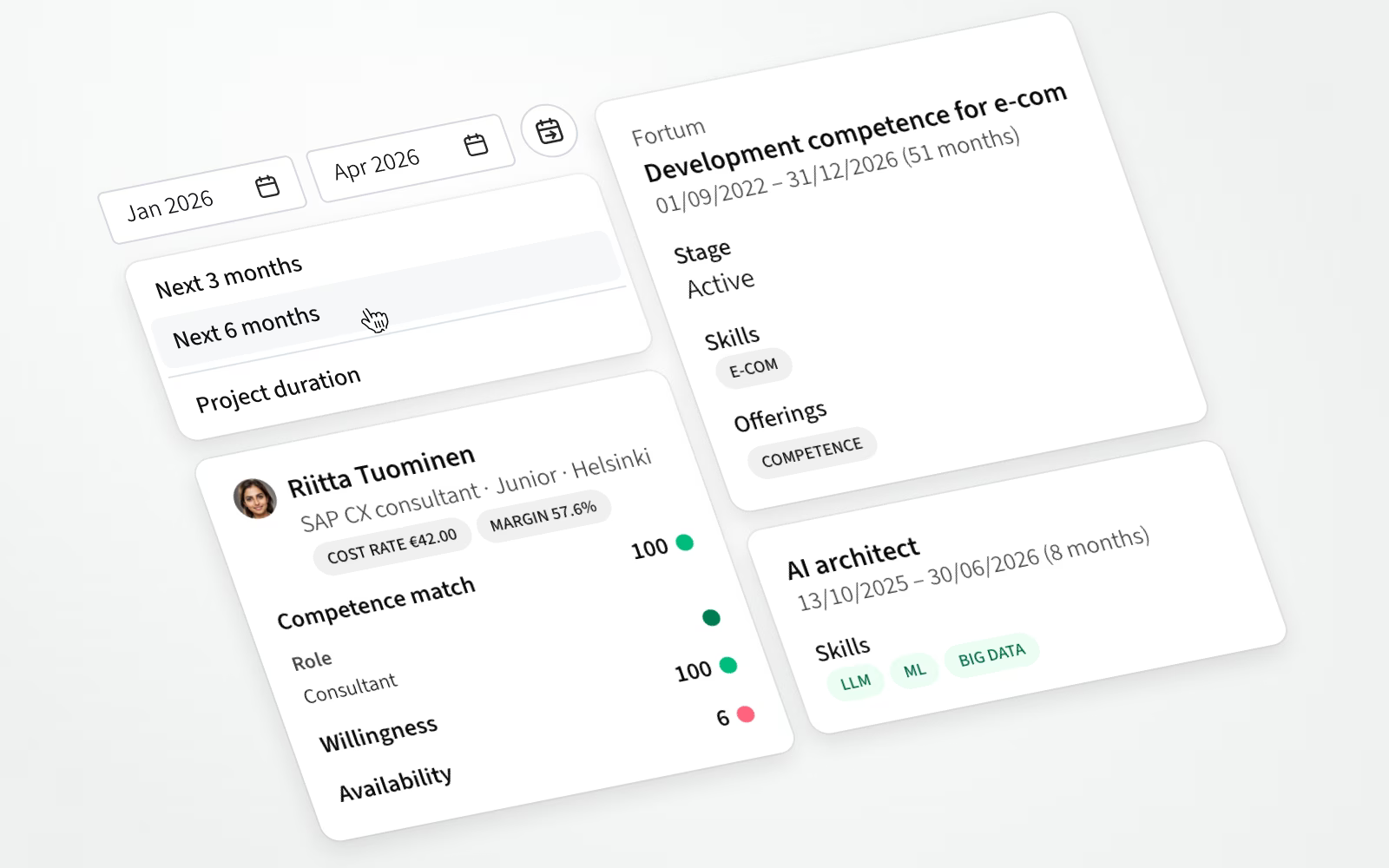
In addition to improving the overall allocation table layout, we’ve added new features:
- Date range selection: Select a time range in the allocation tables. We also provide shortcuts to show allocations for the next three or six months, or match the project’s duration.
- Data preview: Preview relevant information without leaving the allocation table by hovering or focusing on a project, opening, or employee.
In the preview data, we show the following information:
- Project: Customer, name, date range, status/stage, probability (opportunities), deal size, margin, skills, offerings, and labels.
- Opening: Role, date range, probability (if not contracted), seniority, region, subcontractor visibility, hourly rate, labels, skills, work type, languages, and description.
- Employee: Name, title/role, seniority, office, labels, cost rate, margin, matching scores for competence, willingness, and availability, skill proficiency matches, and role/seniority matches.
Improvements and fixes
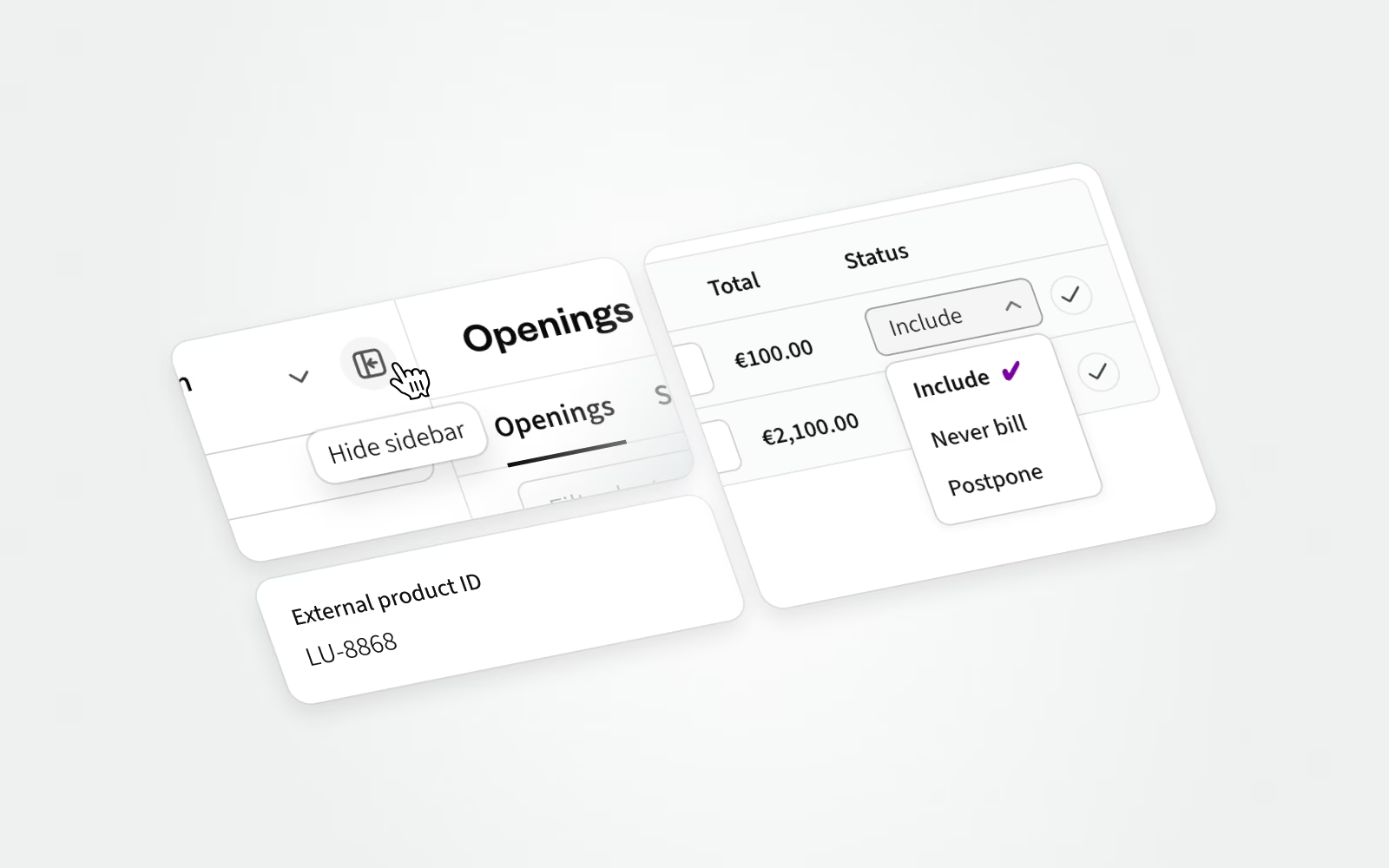
It’s the small things that have a big impact when accumulated. This section is dedicated to that category of work.
- It’s now possible to collapse our app sidebar to free up space on your screen. To try it out for yourself, click on the icon next to your profile toggle.
- A new
externalProductIdfield was added to the Opening data model to improve support for financial integrations. - Earlier, changes to Project allocations, Price lists, or Opening region/seniority required a page refresh before being visible in Project financials. Not anymore.
- When creating a new invoice, non-billable hours are now automatically marked as "Never invoice", ensuring they are treated as such and won’t appear in future invoice drafts. You can also set individual billable hours to "Never invoice" if needed, or choose "Postpone" to move those entries to future invoices. Naturally, you can add individual non-billable hours for invoicing.
- When Freeze was enabled, Internal project hours were not shown in the admin view. This is now fixed.
- Project admins can now correctly set the Project manager when creating a new project.
- SCIM user role updates now correctly support Entra boolean values (capitalized
TrueandFalse). - Weekly hours are now correctly displayed when viewed with the Employee role.
That's it for December, see you again next month. Until then, let us know if you have any questions.