Product update: February 2026

Summary
Here’s a roundup of the most impactful improvements, new capabilities, and fixes shipped in February:
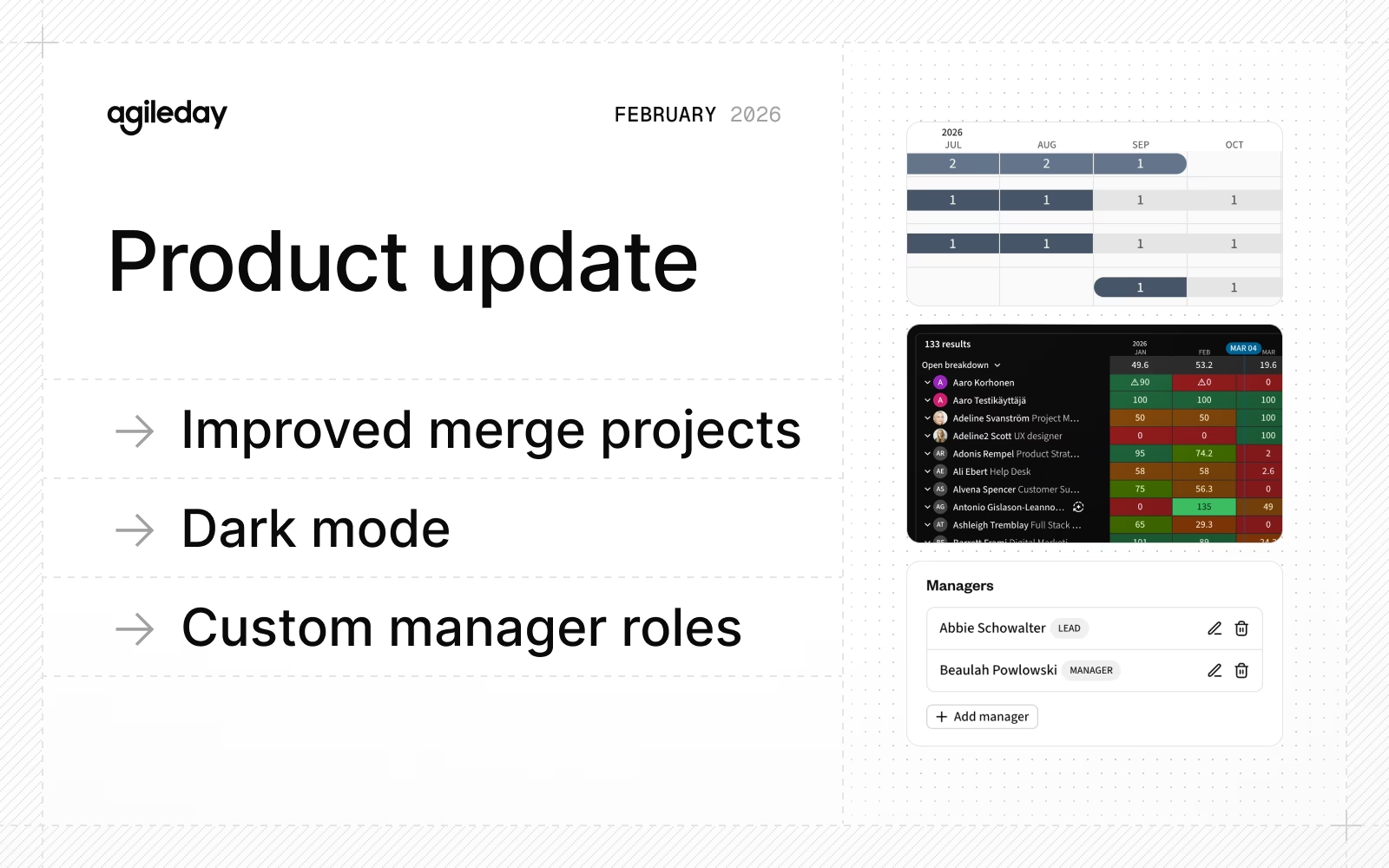
- Improved merge projects: Get a better overview of allocations and more.
- Dark mode: 😎
- Custom manager roles: Manage custom manager types at the organizational unit level.
- Improvements and fixes: API improvements, start and end dates to organizational units, filters 2.0 rollout, and much more.
Let’s dive into the details.
Improved merge projects
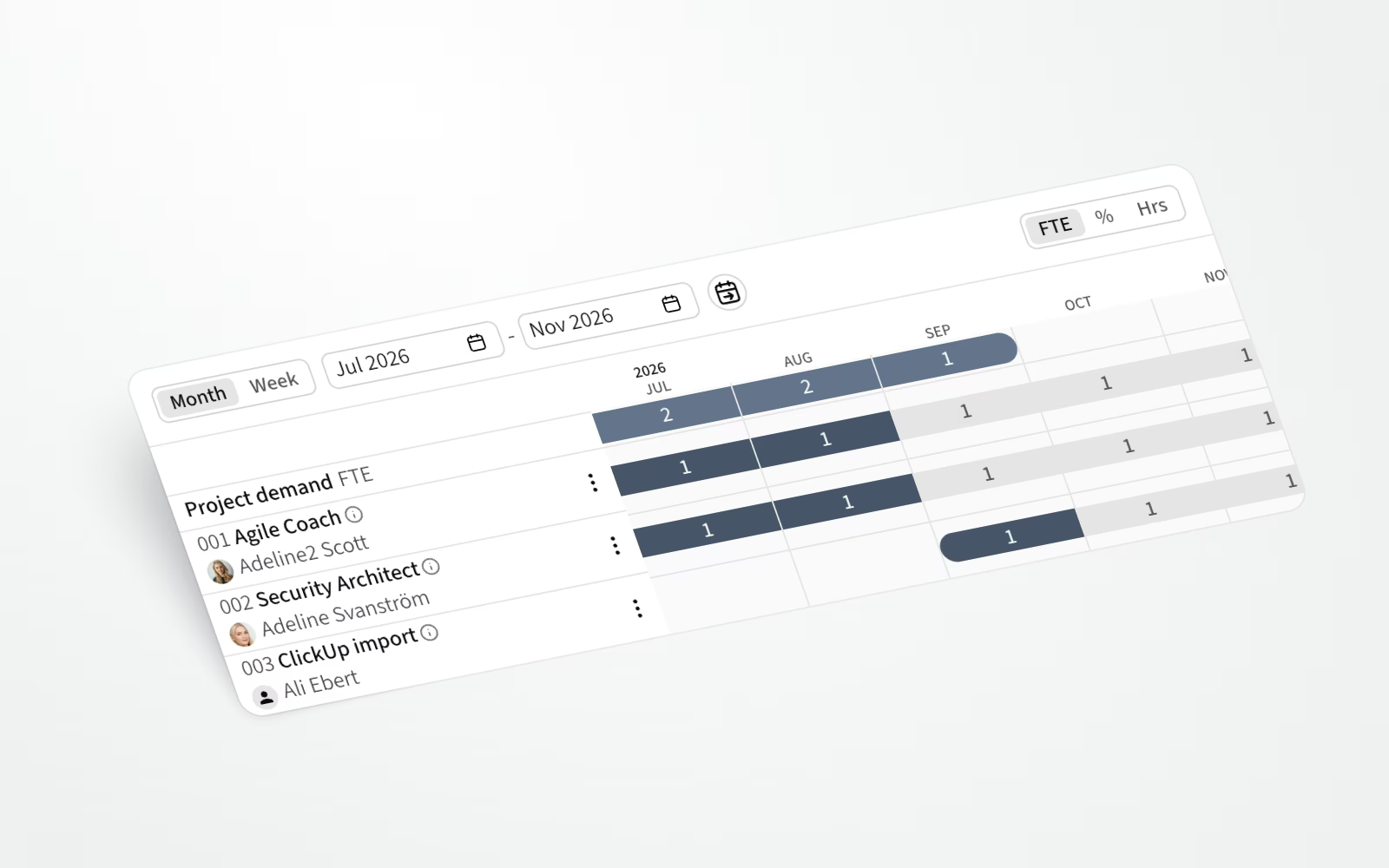
It's now easier to distinguish between the allocations from the merged opportunity and the target project. In addition, when connecting an Opportunity to a project and copying allocations, we now show the contractee name before connecting. This makes it easier to connect an Opportunity to an ongoing project with multiple openings for the same role.
Dark mode
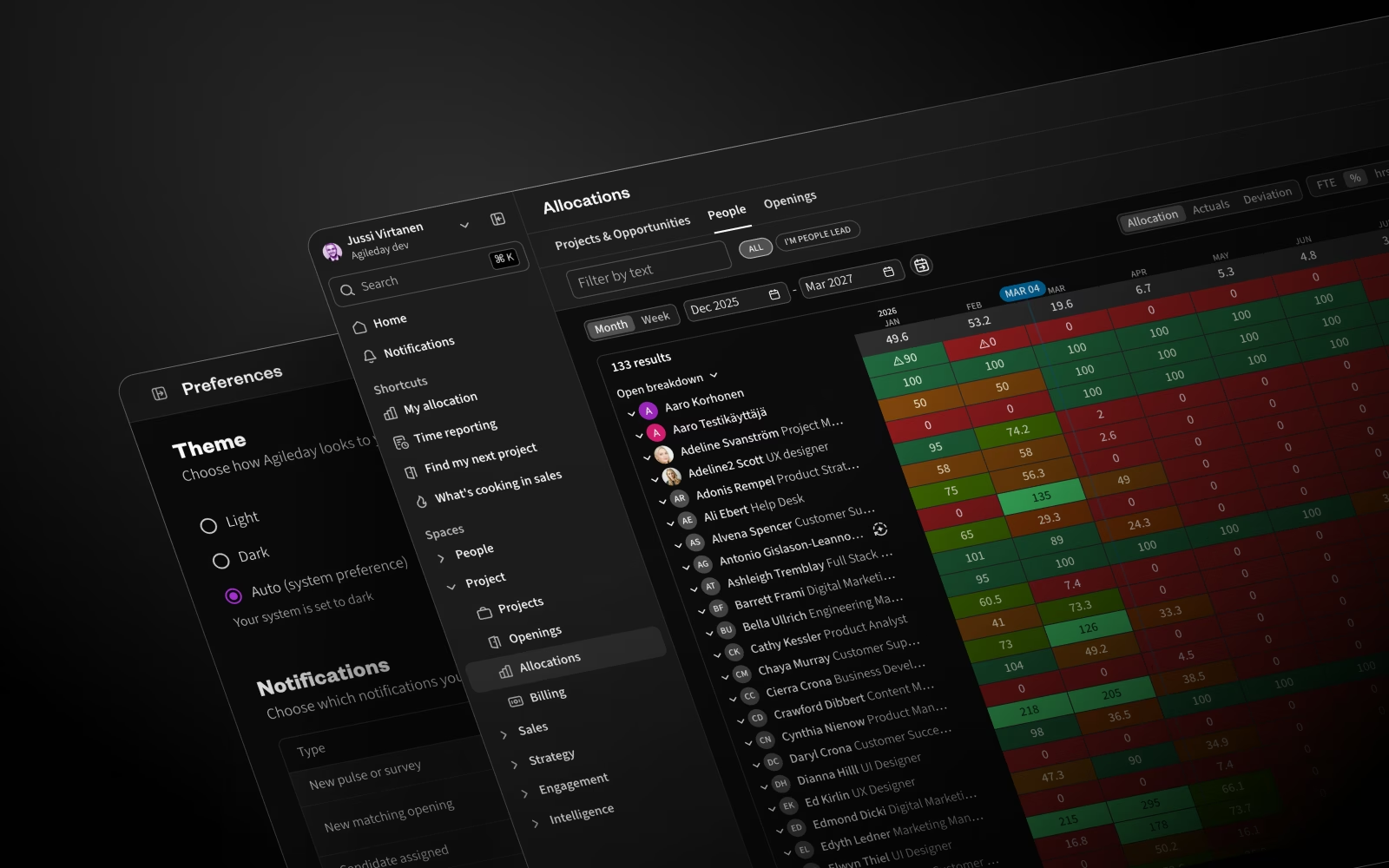
Prefer working in a dark environment? Good news: We now support a dark color theme that helps reduce eye strain during extended work sessions and improves comfort in low-light environments.
Head to the Preferences page and choose the option that works best for you:
- Light (default)
- Dark
- Auto (adapts automatically to your system’s theme)
As a technical side note, this update allowed us to unify our color palette, introduce semantic color tokens, eliminate inconsistencies, and improve overall color handling. Enjoy!
Custom manager roles
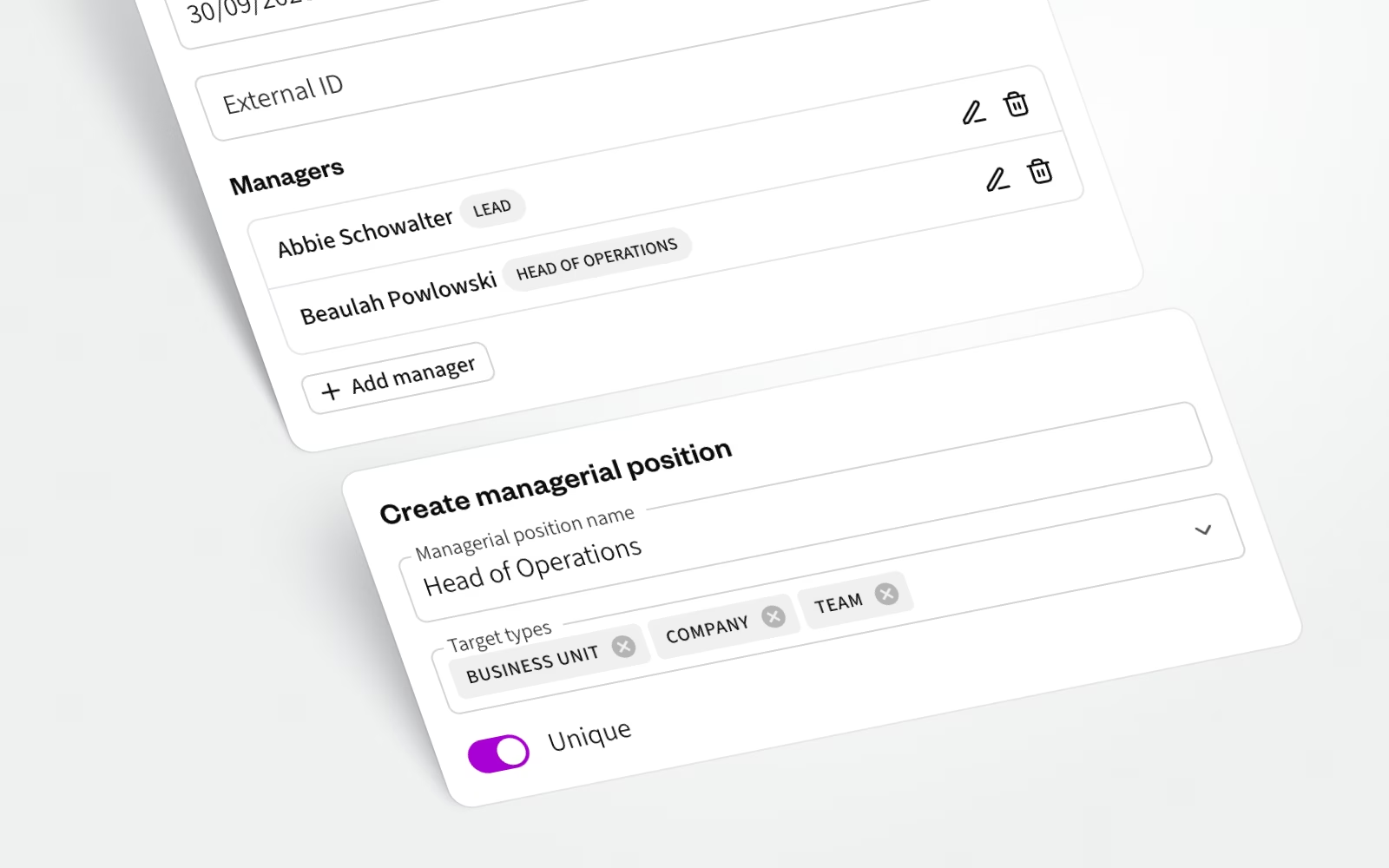
Users can now manage which types of managers (e.g., Head of Delivery, COO, CEO, etc.) each organizational unit (Company, BU, Team) can have. This will allow companies to align managerial structures with their current terminology. In addition, we migrated any existing Leads to Managers.
Improvements and fixes

Here are some hot picks from the improvements and fixes beyond the major features:
- The Time Entry API now supports overriding freeze periods and preserving timesheet status when deleting entries. This means integrations can safely edit time data during active freeze windows without unintentionally reverting submitted timesheets back to "Saved". A new Timesheets API also lets you fetch weekly timesheet data programmatically, including submission status.
- Many API endpoints now support sorting, pagination, and filtering by
createdAtandupdatedAttimestamps. This is a significant step forward for teams building scalable integrations, enabling efficient incremental syncs without pulling full datasets each time. - Companies, Business Units, and Teams can now have defined start and end dates. This enables modeling future org structures in advance and archiving units after restructuring. Units outside their active date range are automatically excluded from operational workflows.
- The Tasks API now supports importing task budgets and setting a default task, enabling more complete project setup through integrations and reducing manual configuration after import.
- New filters are now available in settings, absence requests, and talent search. While we were at it, we also improved the usability of the new filters.
- The
find_matching_employeesMCP tool has been improved for higher accuracy and fewer false positives. - Opportunity financial forecasts now use the candidate-specific standard cost rate instead of the default cost rate. This improves forecast accuracy, especially in scenarios where candidate costs differ from global defaults.
- We added Permission Role as a filter in the user management settings section, making it easier to manage and audit access rights across the organization.
- We enabled markdown support for project reference descriptions.
- Editing tasks in the second part of a split week no longer incorrectly resets the first part’s timesheet status to "Saved". A separate issue where saved hours were shown as submitted in certain scenarios has also been fixed.
- When an Opening had multiple hourly rates, Find Candidates was showing the same person more than once. Not anymore.
- If an Opening-specific hourly rate was set to start today, the system incorrectly showed the default rate as active. This has now been resolved.
- An error that occurred when repeatedly adjusting the "Uninvoiced up until" date has been fixed. Editing the invoice comment field, which was blocked in some scenarios, also works correctly again.
- The Staffing Admin role now correctly includes permissions to edit unpublished Opportunities and manage Absences for other users.
- Invoice settings in Project Settings are now visible immediately after the first save, without requiring a page refresh.
That's it for February, see you again next month. Until then, let us know if you have any questions.