Product update: September 2026

Summary
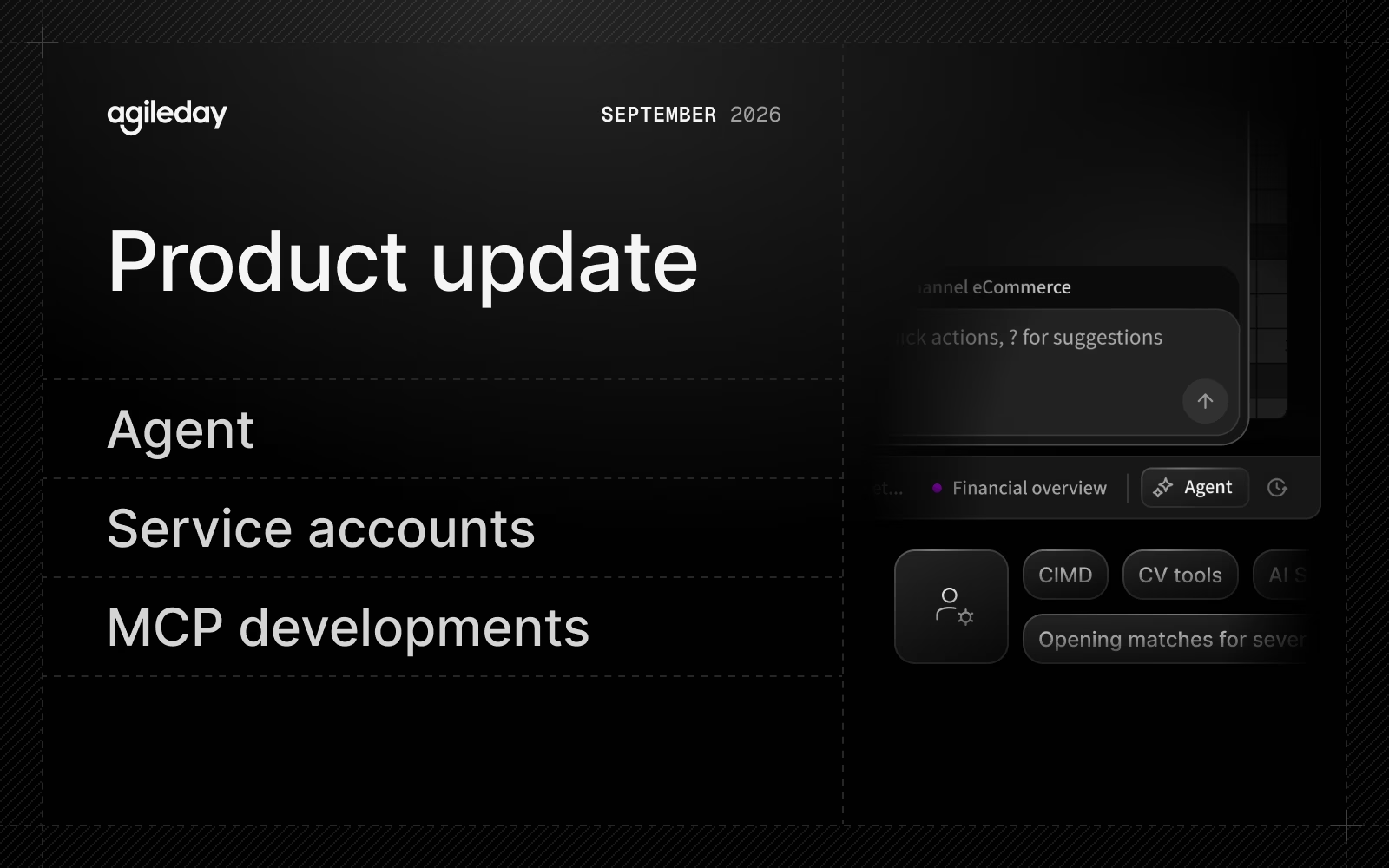
- Agent: A new, context-aware AI experience with entity tagging, a prompt library, and MCP connectors.
- Service accounts: Run integrations under their own identity.
- MCP: CV tools, Project and Opportunity updates, and CIMD for OAuth. The MCP now has 70 tools.
Let’s dive into the details.
Agent
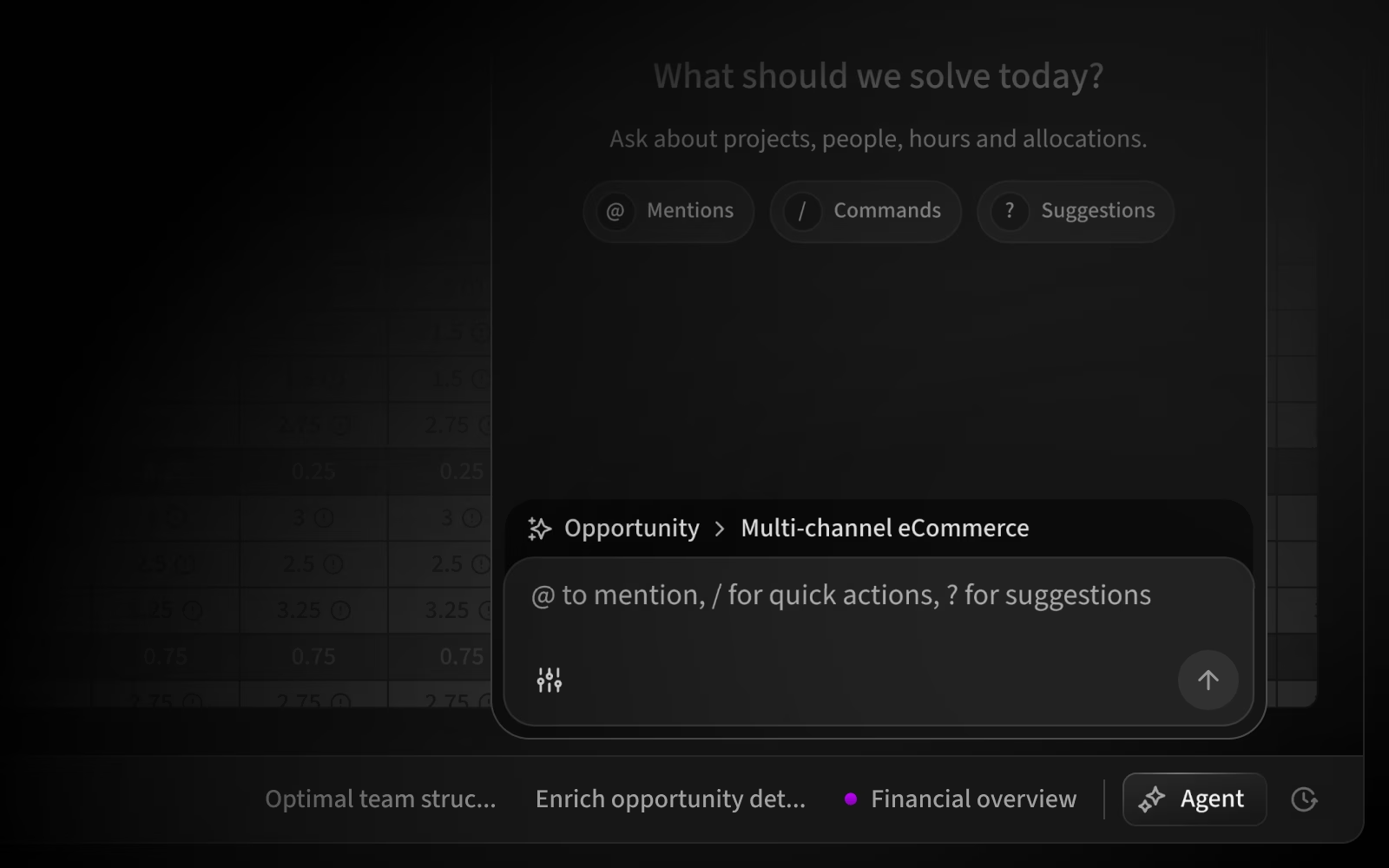
Professional services work is changing. More and more of it happens by simply asking for what you need and letting AI agents handle the rest. We've been building Agileday for this shift for a good while now, and we think it's the biggest change yet in how people work, with our product and beyond.
The Agileday Agent is our next big step in that direction. It is context-aware, supports tagging (people, projects, openings, etc.), and comes with a prompt library and MCP connectors for working with external systems. You can open it from the toggle at the bottom of the page, and it replaces the earlier AI chat in the left-hand navigation.
The prompt library features a ready-made collection of prompts to simplify complex tasks. You can save your own prompts, share them with your organization, and mark prompts as favorites. You can also duplicate an existing prompt, save it as your own, and edit it.
With MCP Connectors, administrators can connect any service that has an MCP server, such as a CRM or ticketing system, and choose per tool whether the Agent can use it freely, must ask first, or can't use it at all.
The Agent is currently in private beta for a limited group of organizations, but we're preparing for a full launch, so stay tuned for a special announcement soon.
Read more about the Agileday AI agent and capabilities.
Service accounts

Until now, an integration had to authenticate with a token tied to the user who created it, so the audit trail showed that user as the actor even when the change came from the integration.
A service account is a non-human identity in your tenant. It has its own roles and credentials, and everything it does is recorded against the service account instead of a person. Use one for anything that runs unattended, such as integrations and AI clients working without a person in the loop.
Service accounts are enabled per organization. Contact Support to have them turned on.
Read more about Service accounts in our API Guide.
MCP

We added more to our MCP this month:
- CV tools: AI clients connected to Agileday can now update a consultant's CV from the projects they have been contracted to, tailor a CV to a specific Opportunity, do either for several people at once, and preview and download the finished CV as a PDF.
- Project and Opportunity updates: New tools let you change things like the project manager or enrich an opportunity's description.
- Opening matches for several people at once: Answering "Who is on the bench, and what could they work on?" used to need a separate lookup for each person, so a bench of 15 meant 15 calls in a row. It now takes one request.
- CIMD for OAuth: AI clients and other applications can now connect to the Agileday MCP server and REST API without being registered in Agileday first. With Client ID Metadata Documents, an application identifies itself through its published metadata, and the user approves it the first time it connects. Administrators turn this on in Settings → Integrations → OAuth Clients after setting limits for self-registering clients, including the highest role they can get and the tools they can use. OAuth must be enabled. Read more in the API Guide.
- AI Settings: Organization-wide AI instructions now also apply to CV parsing, CV translation, and AI-assisted writing.
In total, the MCP now exposes 70 tools covering users, staffing, customers, projects, and opportunities, and we're adding more. See the full list in our MCP guide.
Improvements
Sales and staffing
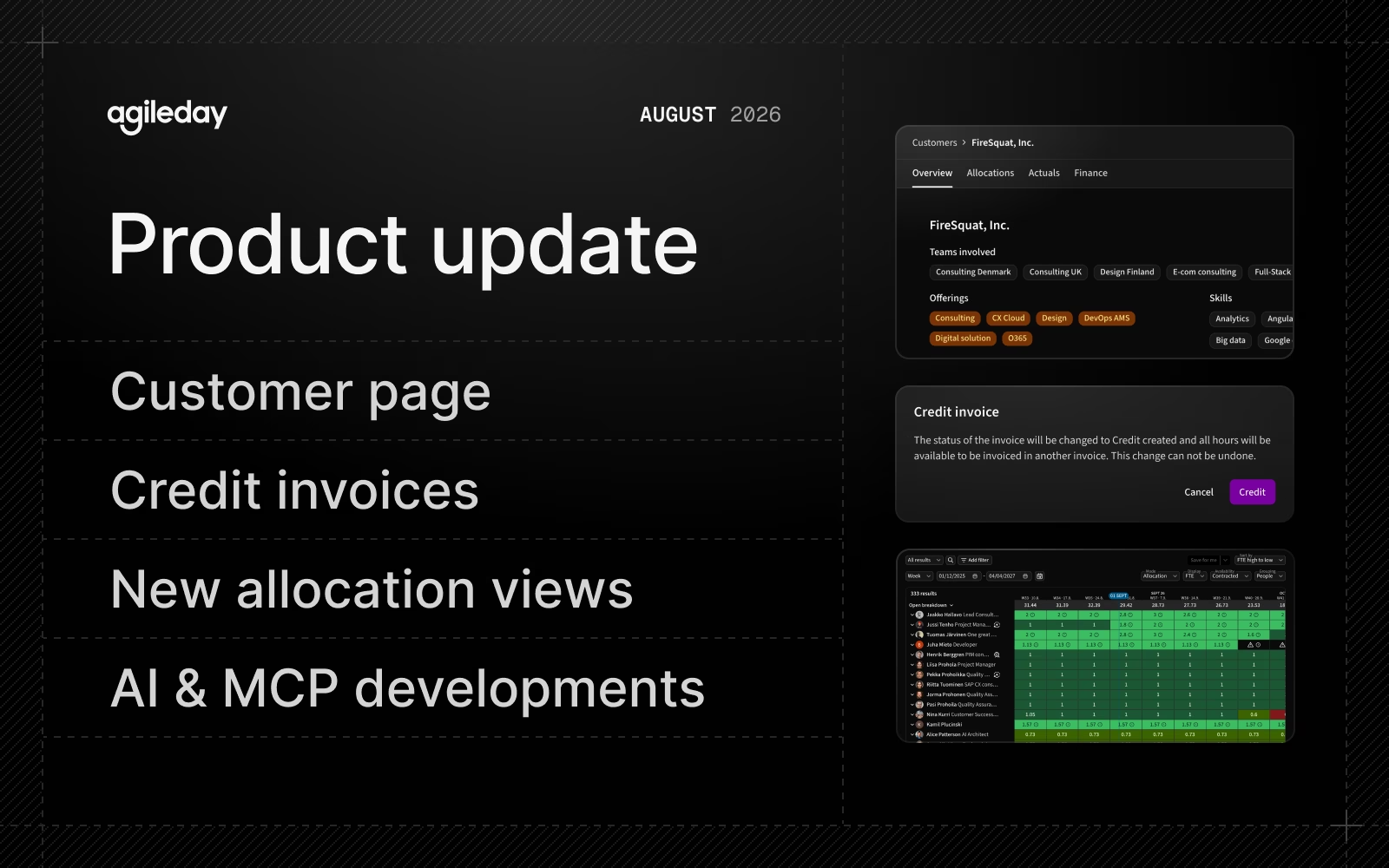
- The new Customer page is now enabled for all Agileday users. It brings everything about a customer onto one page: projects and opportunities, reported hours, and financials.
- The Customer list has a new Customer manager filter and optional column, plus Customer Owner, Country, and Segment filters.
- In Customer → Actuals, we removed Expected Hours, so Allocated Hours is the comparison that remains. Deviation is now calculated between Actual and Allocated hours.
- Skill search now matches a skill's category and description as well as its name, so you can find skills by searching for their parent category. The skill category is also shown wherever you select skills.
- When you add skills to Opportunities and Projects, the dropdown is now grouped by skill category.
Projects, financials, and billing
- The new Allocations page is now available for all Agileday users. It is faster and has new filters and sorting options.
- The People view now shows users with disabled accounts by default. Use the new Account Disabled filter to show or hide them. Disabling a user stops them from signing in but does not mean their employment has ended; employment end dates are managed separately with the user's end date.
- You can now filter allocations by project labels, and in Allocations → Projects you can filter by individual projects.
- The Allocations and Actuals Excel exports and the Allocation Reporting API now include opening probability.
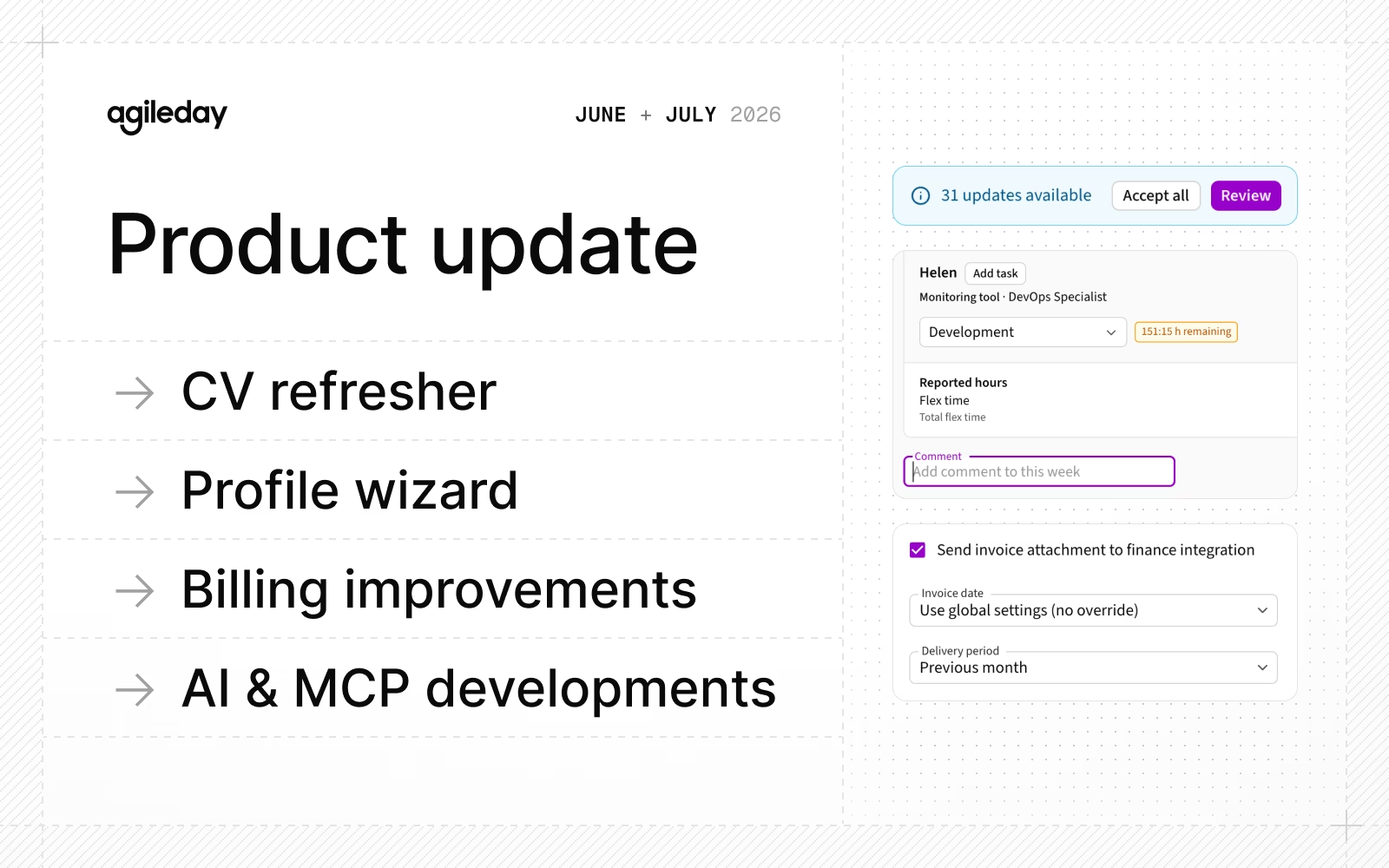
- Projects can now have a default billing product and VAT rate. Invoices for the project use these defaults, and you can change them on individual invoices. A scheduled fee with its own billing product overrides the project default.
- In Billing, the Invoice list keeps its filters when you open an invoice and go back.
- Save and Cancel now work the same way across billing settings. The VAT Rate, Product Code, and Invoice Unit drawers have a sticky Save/Cancel footer, so the buttons stay in reach while you scroll.
- When you complete a project's staging phase, Agileday now shows a notification if the project has no active tasks. If global settings prevent time reporting against global tasks, you cannot complete the staging phase until the project has an active task.
- Actuals and Timesheets are now separate views also in the Project page. The Project selector is hidden when only one project is in scope, and the date picker waits until you have finished selecting a period before loading data.
People, HR, and time reporting
- The new, faster Time Reporting view is now on for all organizations. Before, it was enabled per organization.
- People → Timesheets → Submissions view has new "Unsubmitted" and "Unfrozen" filters.
General and UX
- Some feature flags are now settings that customers manage themselves. Before, Agileday had to turn these on. Existing configurations stay as they are, and administrators can now manage them directly in Localization → Languages (interface languages and skill translations), Data management → Skills (skill experience years and skill level descriptions), and Data management → Allocations (support for self-allocation projects).
- We removed the filter flag for home page variations, so all customers now get the same Home page.
API
- The v2 Employee API can now update an employee by
externalIdor email address as well as by Agileday employee ID. These updates follow the same permissions and SCIM field ownership rules as the existing update endpoint. - Events API: A change to a project task's
taskProductExternalIdnow triggers a change event for theTasktype, so integrations can keep task product codes in sync without refetching and comparing every task. - The v1 and v3 Time Entry APIs now show whether each time entry's task is billable so that integrations can separate billable and non-billable hours in one request.
- All v1 and v2 employee endpoints now return the employee's Last Login timestamp, which was already visible in the user interface.
For details and a list of bug fixes, see the release notes.
That's it for September, see you again next month.