Product update: March 2026

Summary
In March, we released foundational features, including:
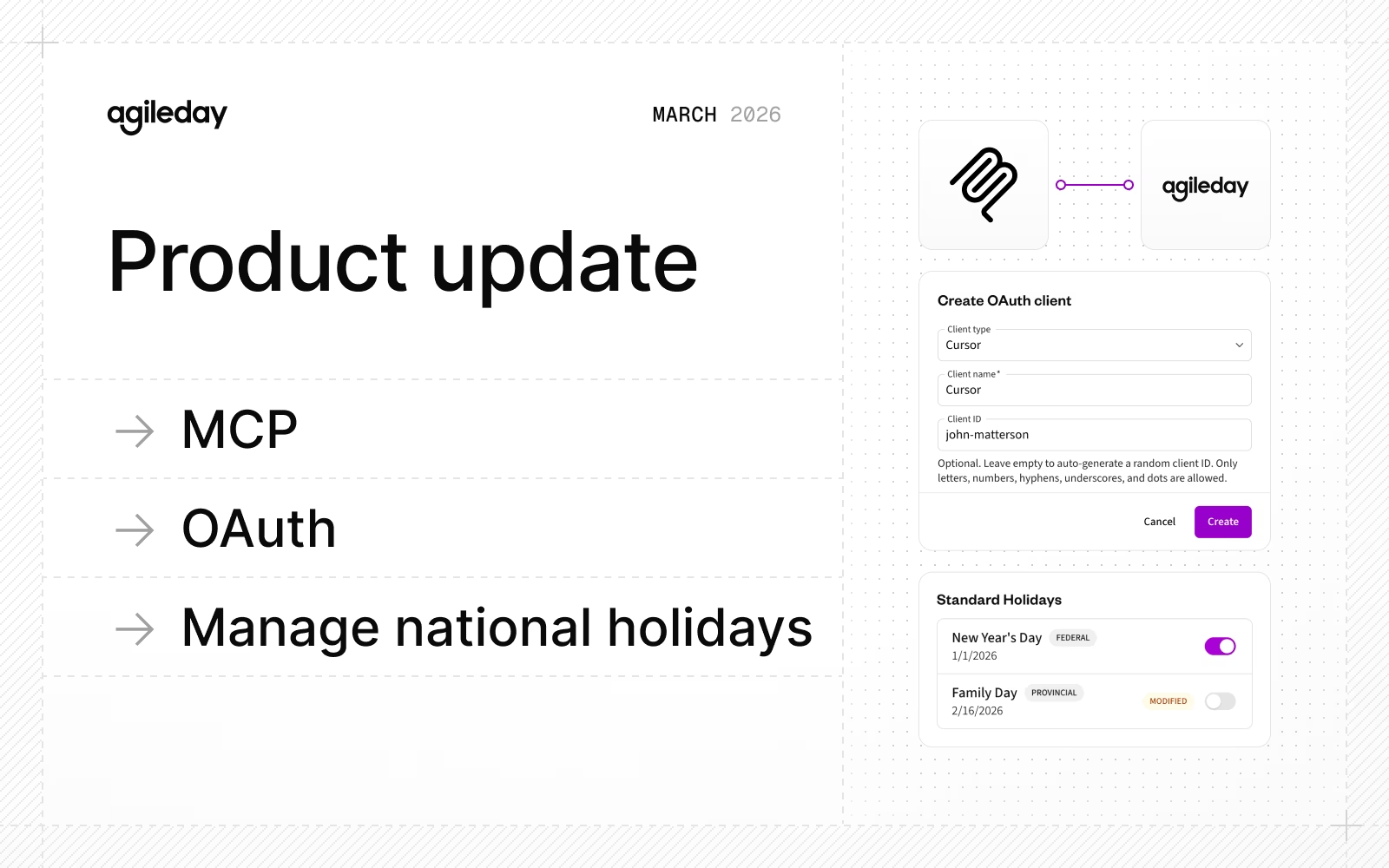
- MCP: Connect your AI tools directly to Agileday for AI-powered workflows across staffing, people management, and time reporting.
- OAuth: Build custom applications on top of our APIs using secure, standards-based authentication
- Manage national holidays: Ensure accurate hours and flex time for country-specific holidays.
- Improvements and fixes: Custom assets in CVs, exportable financial data tables, and more.
Ready to dig deeper?
MCP
Fresh out of the private beta, Agileday MCP is a secure integration layer that connects your Agileday data and AI capabilities to external AI tools, such as Claude, ChatGPT, or custom agents. MCP enables AI-powered workflows for staffing, people management, and time reporting, letting your team work directly in their preferred AI tools instead of switching between apps.
For example, ask Claude to find you a senior Java developer available in Q3 to get a ranked shortlist with competence scores, and then follow up by requesting a sales presentation with one-page CVs for each candidate.
Read more about the details and how to get started in our MCP guide.
OAuth
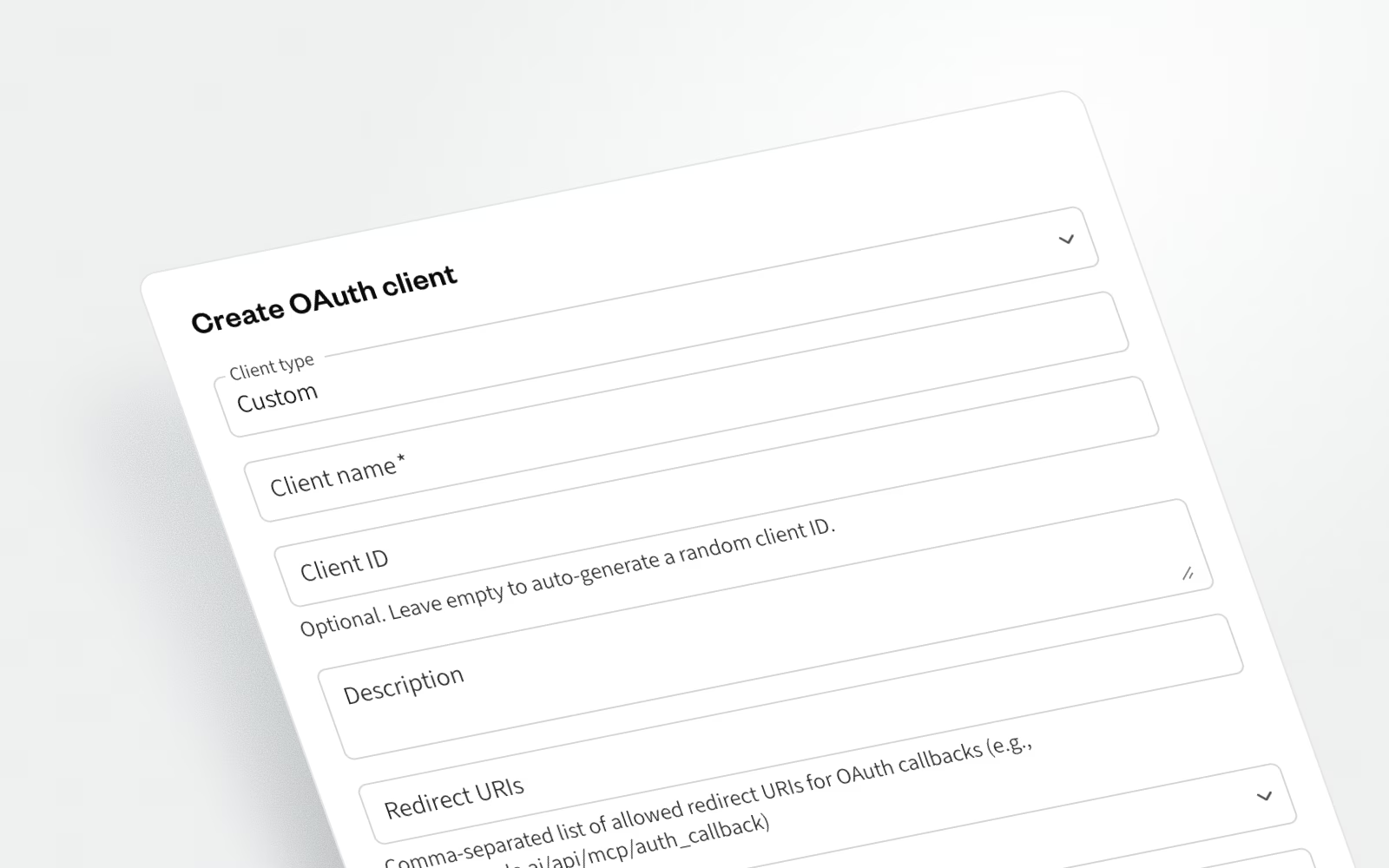
OAuth (Open Authorization) is an industry-standard protocol that allows external applications to access Agileday data and functionality on behalf of a user without sharing that user's password. Integrations like "Sign in with Google" or "Connect your Slack workspace" use this same mechanism. It is secure, auditable, and revocable.
OAuth enables you to build, for example:
- AI assistant integrations via MCP
- Internal tools and dashboards on top of your Agileday data
- Automation workflows (Make, Zapier, n8n, and similar)
To learn more about OAuth, read our API guide.
Manage national holidays
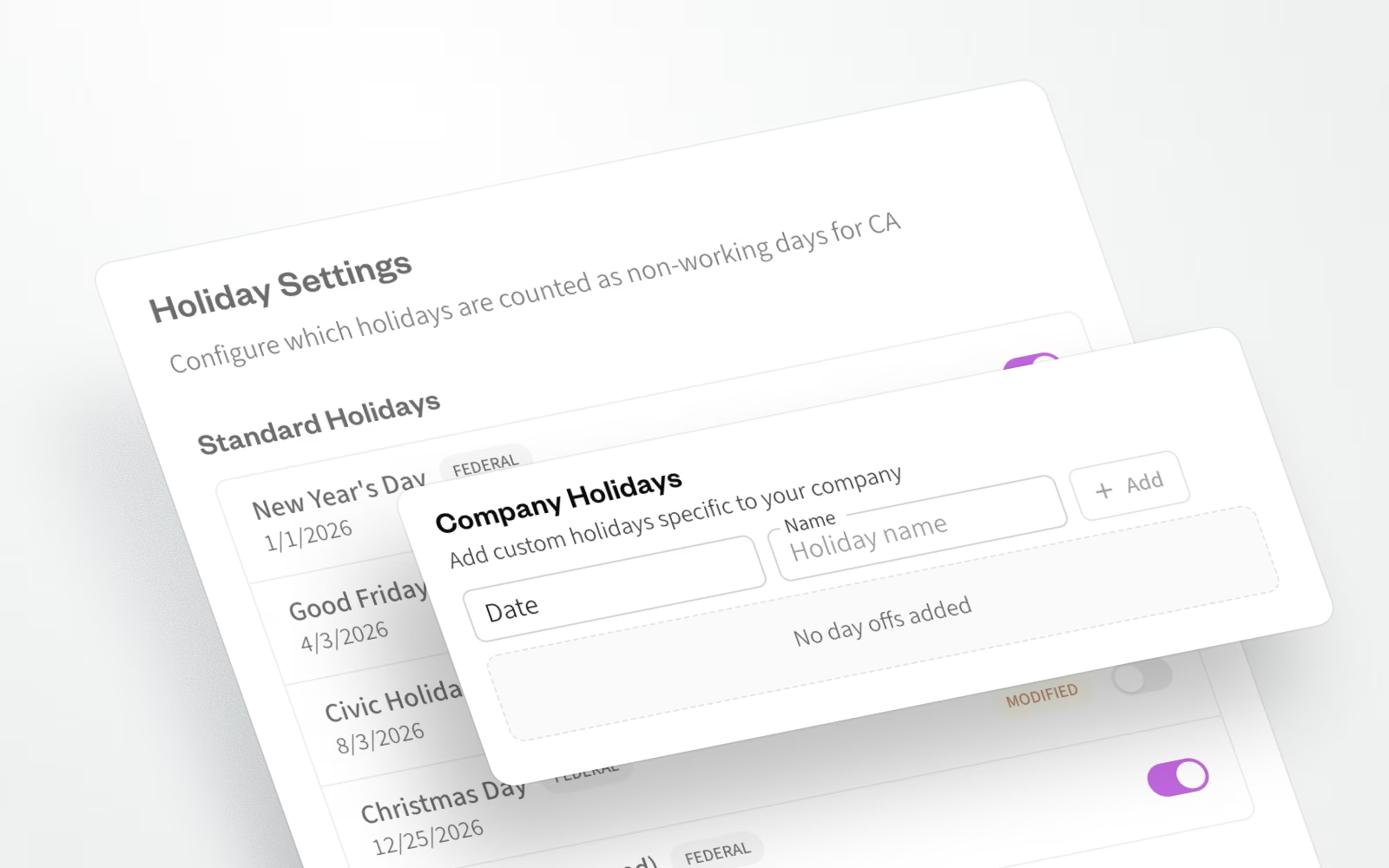
National holidays are no longer fixed. Admins can now add or remove holidays per country directly in Settings, and manage them via the Work Packages API. This gives organizations the flexibility to reflect local agreements, regional exceptions, and custom schedules, with accurate impact on monthly work hour calculations and flex time.
Improvements and fixes
Last but not least, and in no particular order, here’s a handpicked list of our improvements and fixes:
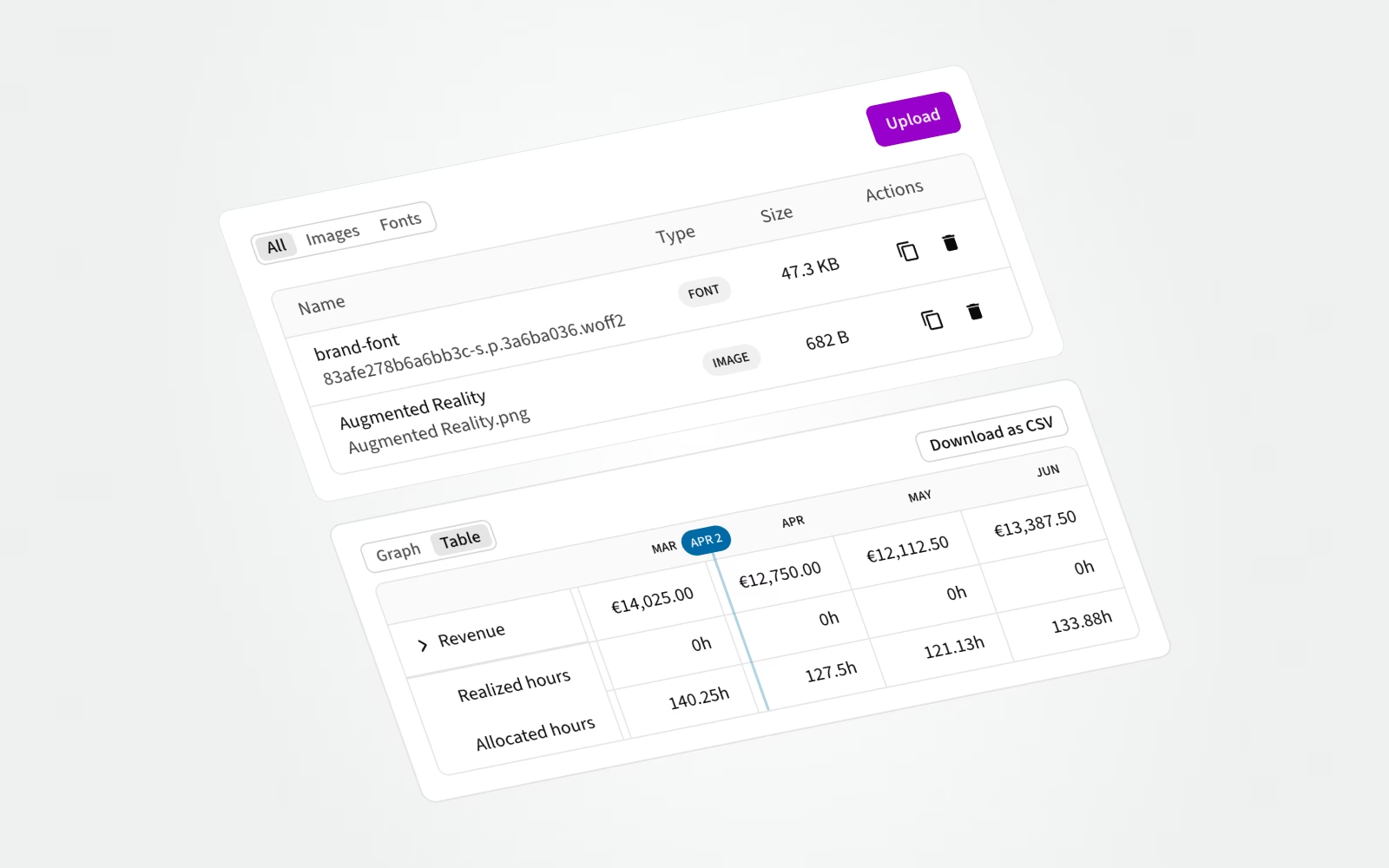
- Admins can now upload images, fonts, and CSS files into the CV editor. The files are available in the templates, making it a breeze to match Agileday CVs to your brand.
- Monthly financial data can now be viewed in a table format in a single project page or the project portfolio (overview) page. And what’s more, CSV export is also available.
- On the API side, a new endpoint (
/v2/employee/id/{id}/business_country) enables reading, setting, and updating a user’s Business Country. - For Time reporting data, a new endpoint (
/v1/flexbalance/totals) allows retrieving flex balance totals for a user(s) for any given date. - For the Events API, we now expose change events for Tasks and Customers as well.
- Managerial positions for Companies, Business Units, and Teams can now be managed via API using new v2 endpoints (e.g.,
/v2/business_units/{id}/managers) - SCIM integration now supports additional permission roles:
limited_employeeandsubco_manager. - In the Find candidates view, we now correctly display the matching skill demand.
- Earlier, it was possible to attempt to add a person as a candidate to an Opening for which they were already a candidate, which resulted in an error. Not anymore.
- Closed absence projects can no longer be selected when creating new absence requests.
- In some scenarios, sorting results by availability in the Talent search didn’t work as expected, so we fixed that.
- Talent Search and Global Search no longer display users with a past end date.
- In Time Reporting, rapidly entered values are now saved correctly. Even Lucky Luke is unable to enter hours too fast.
- A manually created project will now appear without a manual refresh. Refreshing, isn’t it?
That's it for March, see you again next month. Until then, let us know if you have any questions.